Overview
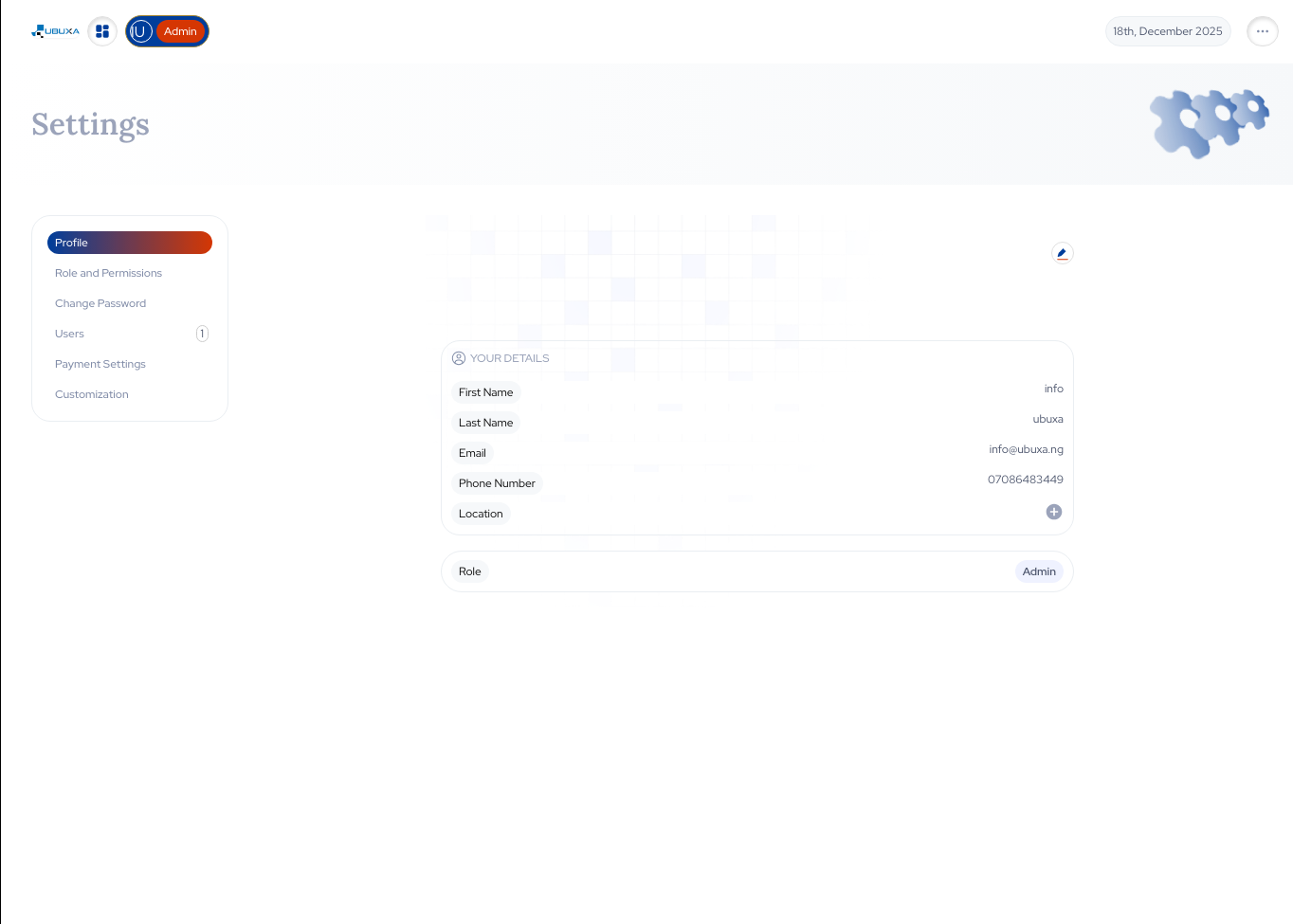
Ubuxa Admin Settings is where your leadership and operations teams configure how the platform behaves. From user roles and permissions to branding, notification rules, and integration settings, this is the control room for your digital operations. Keep your data safe, your workflows disciplined, and your teams focused on what matters.
Key Benefits
Role-Based Access Control
Define who can manage inventory, approve sales, view reports, or change system settings.
Secure by Design
Reduce risks by ensuring agents and junior staff only access what they need, nothing more.
Configurable to Your Business
Adapt Ubuxa to match your internal structure instead of forcing your team into a rigid system.
What You Can Do
Create and manage roles (admin, manager, agent, installer, etc.)
Assign granular permissions per module (sales, inventory, contracts, etc.)
Control what each user can view, edit, approve, or export
Configure company-wide settings (currency, time zone, branding)
Set notification and approval workflows
Manage integrations (payments, SMS, IoT, financiers)
Deactivate or suspend users without affecting historical data
Use Cases
Protecting Sensitive Financial Data
Allow managers to see revenue and profit reports while agents only see their own performance.
Scaling From Small Team to Full Ops
Evolve from one all-powerful admin to structured roles as your team grows.
Compliance & Internal Controls
Align system access with your internal policies and audit requirements.